
 Ethan Parker
February 26, 2026
Ethan Parker
February 26, 2026
6 The Best On-Page SEO Tools and Services For Google Optimization in 2026
Let’s be blunt. You can write the most insightful blog post on the planet, but if your on-page SEO is…
Let’s be blunt. You can write the most insightful blog post on the planet, but if your on-page SEO is sloppy, Googlebot will treat it like a book with missing pages. It just won’t matter. We think many site owners pour their hearts into content but forget the foundation it sits on. Technical and on-page signals? They are the difference between a warehouse full of products and a store with the lights off.
The game has shifted again. AI search engines and classic algorithms now demand pages that are not just relevant, but structurally perfect. They need clear headlines, fast load times, and semantic depth. Without the right on-page seo tools, you are flying blind. These tools do not just check boxes; they show you exactly where Google sees cracks in your facade.1
So how do you pick the right stack? This guide breaks down the absolute best platforms for you. We looked at features. We looked at the price. Most importantly, we looked at which tools actually move the needle when you’re staring at a stubborn SERP.
What Is On-Page Optimization
On-page optimization targets everything you control directly on your website. Think of it as the internal wiring. It involves tweaking title tags, meta descriptions, headers (H1, H2, H3), and the actual body content. You are telling search engines: “This page is about this topic, and it’s organized for humans.”
It is not just about keywords anymore. Modern on-page SEO covers structured data (schema markup), internal linking architecture, page speed, and mobile usability . Search engines parse these elements to decide if your page deserves a spot in the AI Overview or the classic top 10. Honestly, if your page loads like molasses or buries the main heading in a pile of code, you are signaling low quality.
This discipline sits separately from off-page factors like backlinks. You can’t control who links to you directly. But you can control whether your H2s contain relevant entities. You can ensure your images have alt text. On-page optimization is the art of making your content machine-readable without sacrificing the human experience. It is the groundwork.
How to Choose The Best On-Page SEO Tool
Choosing the right tool feels overwhelming. There are hundreds. But the decision narrows fast when you define your real needs. A solo blogger does not need enterprise-level crawling. An e-commerce giant cannot rely on a simple plugin.
First, look at crawl capabilities. Does the tool just check a homepage, or does it spider your entire domain like Googlebot? Tools like Ahrefs or MozPro give you that deep x-ray vision, surfacing broken links and redirect chains that cheaper alternatives miss .
Second, evaluate content intelligence. The best on-page seo tools do more than count keywords. They analyze the top-ranking pages for your target query and provide NLP (Natural Language Processing) recommendations. They suggest related terms, questions to answer, and ideal content length . If the tool cannot compare your draft to the SERP competition, it is outdated.
Third, check for workflow integration. Does it play nice with your CMS? Can you export reports easily for developers? Is the interface cluttered with features you’ll never use? We think lean teams benefit from all-in-one platforms like SE Ranking or Semrush because they bundle audits, rank tracking, and optimization in one place. But if you are a writer, a content-first tool like Surfer SEO might fit better.
Consider your budget, but also your time. A cheap tool that requires hours of manual data sorting is actually expensive. Prioritize platforms that offer actionable insights, not just raw data dumps. Ask yourself: Will this help me fix issues, or just find them?
6 The Best On-page SEO Analysis Tools and Services
We tested the market. We looked at user reviews, feature updates, and real-world application. They cover the spectrum from technical audits to AI-powered content editing.
1. Ahrefs – The Best for Backlinks Optimization
Ahrefs built its reputation on backlink data. It still owns that space. But their on-page toolkit has matured into a serious contender. The Site Audit feature crawls your website and highlights technical on-page issues with brutal clarity. It finds missing title tags, broken internal links, and slow-loading pages .
Where Ahrefs truly shines is connecting on-page problems to link equity. You can spot a high-authority page that ranks poorly because of thin content or bad headers. The Content Gap analysis shows you what terms competitors rank for that you don’t. Then, the AI Content Helper analyzes your draft against top performers, suggesting relevant keywords to weave into your paragraphs .
It is not just a crawler. It is a competitive intelligence hub. For marketers who live and breathe backlink profiles, having on-page diagnostics in the same dashboard streamlines everything. You see the whole picture.
Pros of Ahrefs
- Unmatched backlink database and competitor research tools;
- Site Audit is thorough and easy to schedule;
- Content Helper provides real-time NLP recommendations as you write;
- Integrates keyword data with crawl findings effectively.
Cons of Ahrefs
- Pricing is steep for small businesses or freelancers (plans start around $129/month);
- The interface can overwhelm beginners with data density;
- Lacks some of the deep-dive visual reporting that tools like Sitebulb offer.
2. SEMrush – The Best for Comprehensive Analysis

SEMrush positions itself as the do-it-all marketing toolkit. For on-page SEO, it delivers. The On Page SEO Checker is a standout module. You plug in a target keyword, and it scans your site against the top 10 competitors. It generates a list of prioritized recommendations: add this term to your H2, improve readability here, include a specific LSI keyword .
The Site Audit tool monitors your technical health over time. It tracks Core Web Vitals, indexability, and internal linking structure. For agencies managing multiple clients, the white-label reporting features are a lifesaver. You can pull together professional PDFs that show exactly how on-page improvements correlate with rankings .
We think SEMrush is best for teams that need one central command center. Instead of juggling five logins, you get keyword research, content templates, and technical audits under one roof.
Pros of Semrush
- Incredibly deep feature set covering everything from PPC to SEO;
- The On Page SEO Checker provides specific, actionable tasks, not just generic advice;
- Integrates with Google Analytics and Search Console for unified data;
- Large user community and extensive learning resources.
Cons of Semrush
- Learning curve is steep. It takes weeks to master the interface;
- High cost, especially for advanced tiers ($139.95/month and up);
- Can feel bloated if you only need basic on-page checks.
3. SE Ranking – All-In-One SEO tool
SE Ranking is the underdog that consistently beats expectations. It offers a robust On-Page SEO Checker that analyzes over 130 parameters. You get a clear optimization score for each page, alongside specific advice on headers, images, and keyword placement .
What makes SE Ranking different? Affordability and ease of use. It packs enterprise-level features into a platform that doesn’t require a six-figure budget. The AI Writer and Content Editor help you draft and optimize posts directly within the tool. You can see how your content stacks up against competitors before you hit publish .
According to our analysts, the platform’s AI Search Toolkit is a smart addition. It monitors visibility across AI overviews and chatbots, showing you if your on-page content is being cited by generative engines. That is forward-thinking.
Pros of SE Ranking
- Excellent value for money with scalable pricing (starts around $55/month for teams);
- Intuitive interface — easier to learn than Semrush or Ahrefs;
- Accurate rank tracking and comprehensive site audits;
- Includes white-label reporting and client management features.
Cons of SE Ranking
- Backlink database is not as extensive as Ahrefs;
- Some advanced features require navigating multiple tabs;
- Third-party integrations are growing but still behind the giants.
4. On-Page AI – The Best Google Optimization
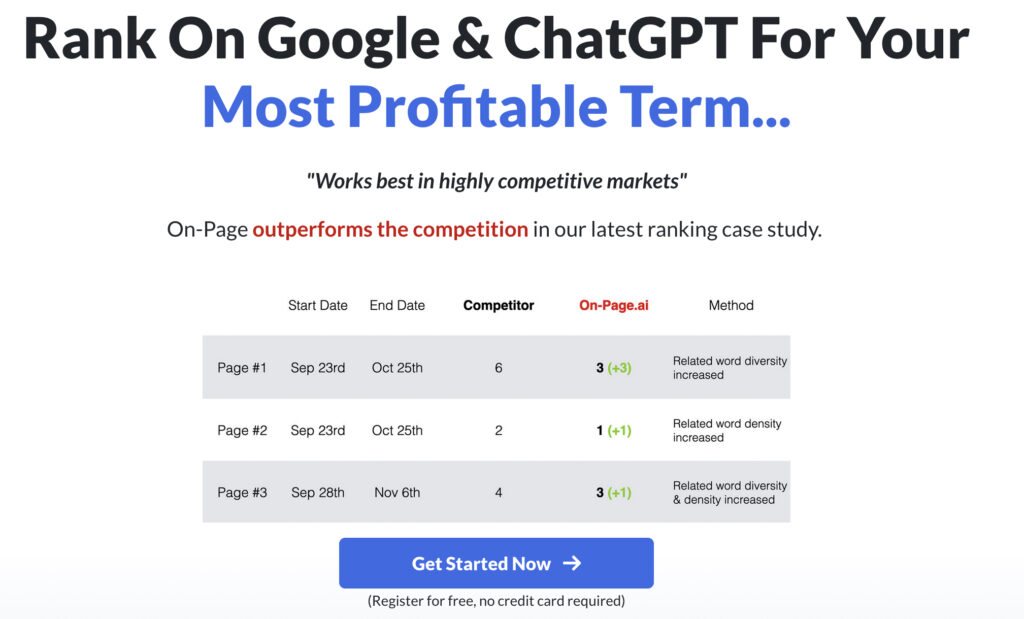
On-Page AI deserves its own spotlight. It is a specialized tool designed to take the guesswork out of content creation. You enter a keyword, and it analyzes the top 20 Google results. It then builds a data-driven content brief covering word count, reading ease, related terms, and recommended headers .
This tool is brutally efficient. It shows you exactly what Google already considers relevant. You are not guessing; you are mirroring the semantic patterns of winners. For writers and content managers, this slashes research time. The AI does not hallucinate. It pulls real data from live SERPs.
Pros of On-Page AI
- Creates highly accurate content briefs based on real competitor data.
- Saves hours of manual SERP analysis.
- Simple interface—focuses purely on content optimization.
- Integrates smoothly with the main SE Ranking platform.
Cons of On-Page AI
- It is a content-focused tool; it won’t fix your technical crawl issues.
- Best used as part of a broader SEO stack.
- Requires you to interpret the data, not just copy it blindly.
5. Moz Pro – The Best for Beginners
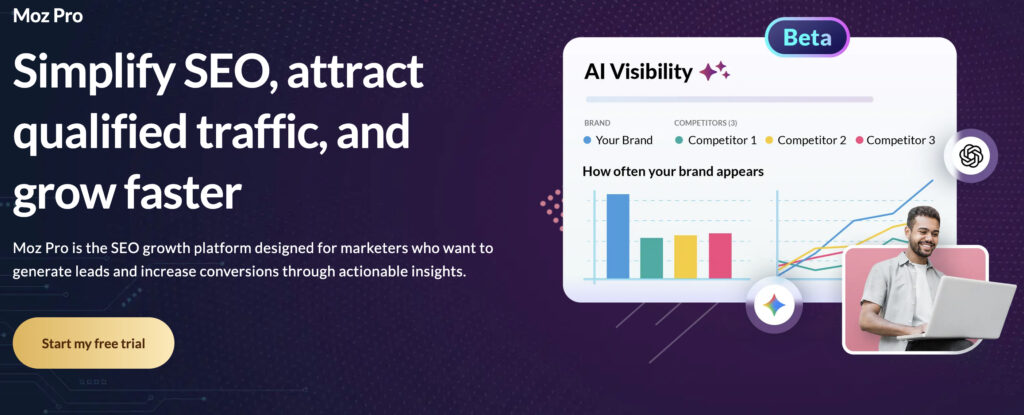
Moz Pro has been around forever, and for good reason. It simplifies SEO. The interface is clean, and the terminology is explained in plain English. For on-page work, the Site Crawl feature identifies critical issues like duplicate content, missing meta descriptions, and broken links. It groups them by priority so you know what to fix first.
The On-Page Optimization section provides grade-letter scores for your target keywords. It tells you exactly how to improve each page. Beginners appreciate the clarity. There is less noise than on other platforms. Moz also offers a free browser extension called MozBar, which lets you check on-page elements like page authority and link metrics as you browse the web .
Pros of Moz Pro
- Extremely beginner-friendly with a gentle learning curve.
- Clear, actionable recommendations with priority scoring.
- MozBar is a handy free tool for quick research.
- Reliable keyword research and SERP analysis tools.
Cons of Moz Pro
- Data freshness can lag behind competitors like Ahrefs.
- Backlink index is smaller.
- Advanced users may outgrow its feature depth quickly.
6. Surfer SEO – The Best for Content Optimization

Surfer SEO is the go-to for data-driven writers. It integrates directly with Google Docs or WordPress. As you type, it analyzes your content against the top-ranking pages. It gives you a real-time optimization score and suggests relevant terms to include .
The tool focuses heavily on semantics and structure. It checks your word count, heading distribution, and use of NLP keywords. If you want to rank for competitive terms, Surfer helps you build pages that match or exceed the depth of current leaders. The Content Planner feature helps you build topic clusters based on what is actually ranking.
Pros of Surfer SEO
- Real-time content scoring inside your editor.
- Excellent for building comprehensive, long-form articles.
- Strong SERP analysis for uncovering content gaps.
- Works well with Jasper and other AI writing tools.
Cons of Surfer SEO
- Limited technical SEO features; it’s mainly for content;
- Pricing can add up, especially if you need multiple credits;
- Over-optimization is a risk if you follow scores too rigidly without human editing.
4 The Best On-Page SEO Tools for WordPress
WordPress powers a huge chunk of the web. If you are on this CMS, plugins are your best friend. They sit right inside your editing screen. They make optimization part of the writing process, not an afterthought. Here are the four we recommend for you.
1. Yoast SEO
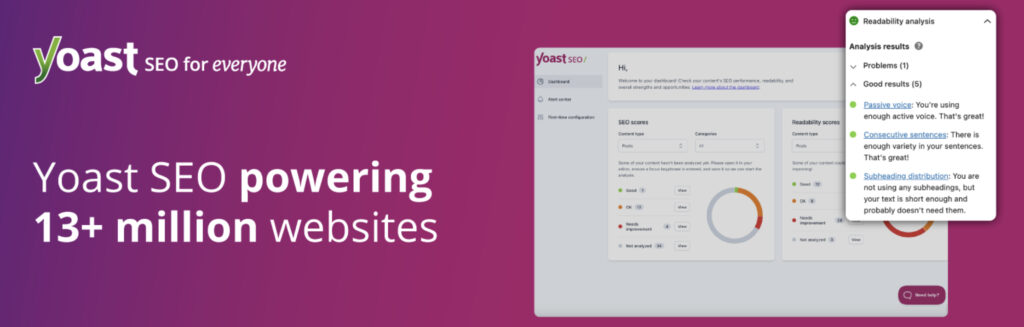
Yoast is the veteran. It handles the basics flawlessly: title tags, meta descriptions, XML sitemaps, and canonical URLs. The traffic light system (red, orange, green) gives writers instant feedback on keyword usage and readability. The premium version adds internal linking suggestions and redirect management .
2. Rank Math
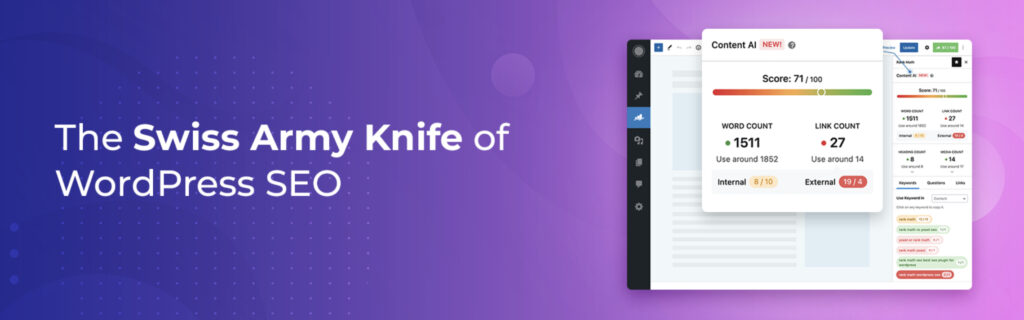
Rank Math packs incredible value. The free version includes features that Yoast charges for, like multiple focus keywords and schema generation. The setup wizard walks you through configurations painlessly. It also integrates directly with Google Search Console, showing your click and impression data inside the WordPress dashboard . It is lightweight and fast.
3. Clearscope
Clearscope is the enterprise standard for content relevance. While it operates as a web app, its WordPress integration allows you to bring detailed content briefs and scoring directly into your editor. It focuses heavily on terms and entities that satisfy search intent. For teams producing high-volume, high-quality content, it is indispensable .
4. AIOSEO
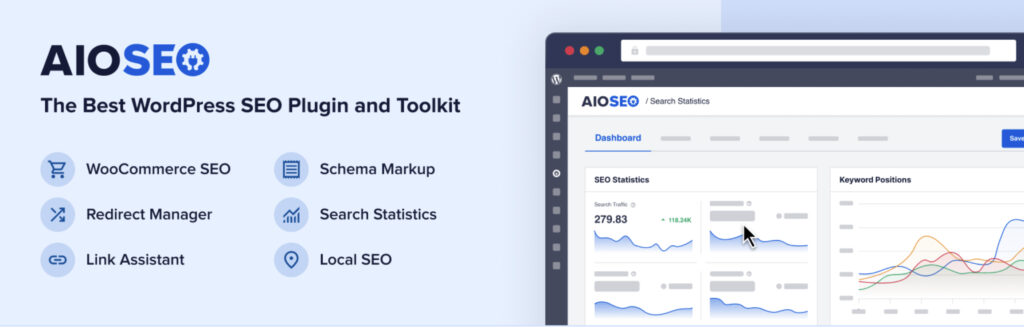
All in One SEO (AIOSEO) is another heavyweight. It offers powerful tools for WooCommerce, local SEO, and news sitemaps. The “Trust in AI” features help generate titles and meta descriptions automatically. It also includes a redirect manager and link assistant to strengthen your internal linking structure. It is a solid, reliable choice for any WordPress site.
Related Posts
Ethan Parker
February 26, 2026
What is On-Page SEO: Definition, Importance and Optimization
Search keeps flipping upside down these past few years, AI Overview eating clicks, results looking weirder by the month. Yet…